
Download Kaspersky Premium – Secure, Multi‑Level Protection for Windows, macOS, Android & iOS
Overview
Kaspersky Premium positions itself as a high‑grade, multi‑level security suite that aims to protect every facet of your digital life. Whether you are browsing the web on a Windows PC, checking email on a macOS laptop, or managing smart‑home devices from an Android tablet, the software promises a seamless blend of antivirus, anti‑phishing, password management, and device‑optimization tools. Unlike many free antiviruses that stop at basic malware detection, Kaspersky Premium adds layers such as spyware alerts, camera‑and‑microphone protection, and a two‑way firewall that monitors inbound and outbound traffic in real time.
The suite also includes a smart‑home monitor that notifies you when an unknown device attempts to join your network, giving you granular control over IoT security. Subscription plans are divided into Standard, Plus, and Premium, each delivering the core protection engine while unlocking additional features—like extended device coverage and advanced privacy controls—for higher tiers. Continuous background scanning ensures that every downloaded file, visited URL, and installed app is evaluated against Kaspersky’s constantly updated threat database.
The result is a comprehensive security posture that not only blocks known malware but also anticipates emerging threats, all while preserving system performance. If you value a “set‑and‑forget” solution that combines robust protection with proactive device health monitoring, Kaspersky Premium is engineered to meet those expectations.
Key Features
- Real‑time antivirus engine with cloud‑based threat intelligence.
- Anti‑phishing filter that flags fraudulent websites before you click.
- Two‑way firewall monitoring inbound and outbound connections.
- Spyware detection with instant alerts for camera, microphone, and key‑logger intrusion.
- Smart‑home device scanner and network‑intrusion notification.
- Built‑in password manager with secure autofill across browsers and apps.
- Disk cleanup utility that removes duplicate files and unused applications.
- Automatic backup scheduler and battery‑saving mode for laptops and mobiles.
- Threat‑level URL color‑coding and pre‑emptive warning screens.
- Cross‑platform support for Windows 10/11, macOS 10.15+, Android 8+, and iOS 13+.
Each feature is designed to operate in concert, creating a layered defense strategy that mirrors enterprise‑grade security but is packaged for personal use. The anti‑phishing filter leverages a constantly refreshed URL reputation database, ensuring that even newly minted phishing sites are caught before they can harvest credentials. Meanwhile, the password manager encrypts your vault with AES‑256 encryption, storing passwords locally on your device and syncing them securely across your authorized devices.
The firewall’s two‑way approach is particularly valuable for power users who run remote desktop sessions or frequently share files over peer‑to‑peer networks; it automatically blocks suspicious outbound traffic that could indicate a compromised application. Kaspersky’s smart‑home scanner distinguishes between known devices (your smart TV, thermostat, etc.) and unknown intruders, sending push notifications when a rogue device attempts to connect. Finally, the optimization tools work silently in the background, freeing up storage space, extending battery life, and prompting you to install critical OS updates—keeping performance and security tightly coupled.
Installation, Usage & Compatibility
Getting Kaspersky Premium up and running is straightforward, whether you’re on a desktop or a mobile platform. After purchasing a subscription, you receive a download link sent to your email. Click the link, and the installer will automatically detect your operating system. For Windows users, the .exe file launches a wizard that walks you through the standard steps: accept the EULA, choose an installation folder, and select optional components such as the password manager or smart‑home scanner. macOS users download a .dmg package; dragging the Kaspersky icon into the Applications folder completes the install. Mobile users simply visit the Google Play Store or Apple App Store, search for “Kaspersky Premium,” and tap “Install.” The app then prompts you to sign in with your Kaspersky account to activate your license.
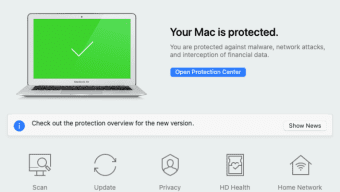
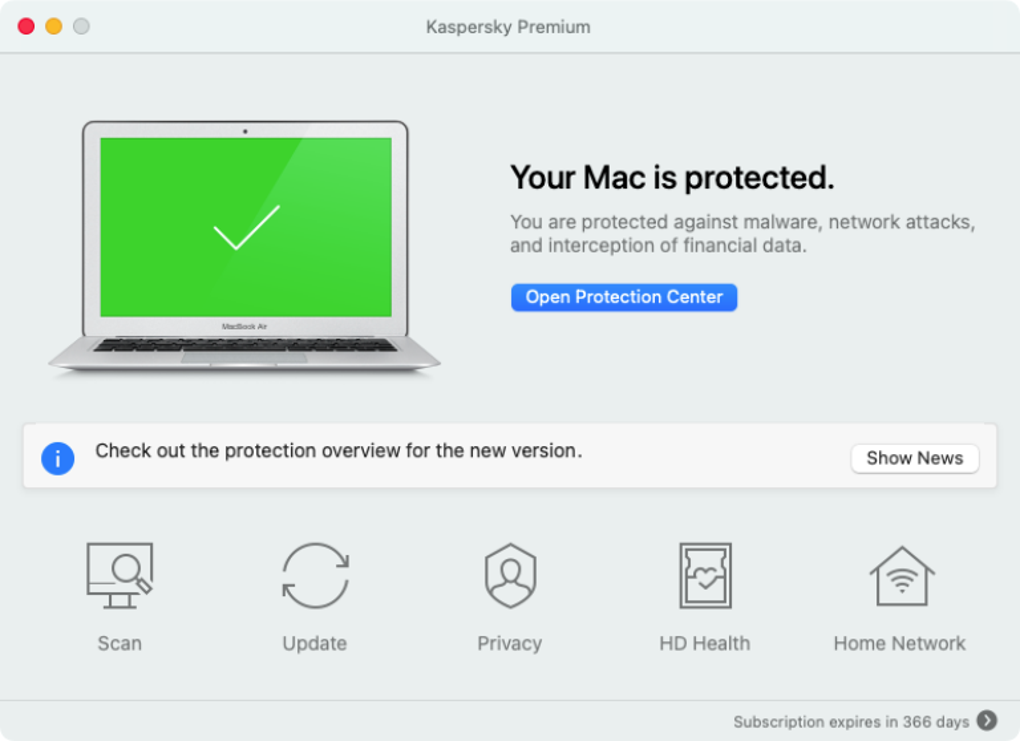
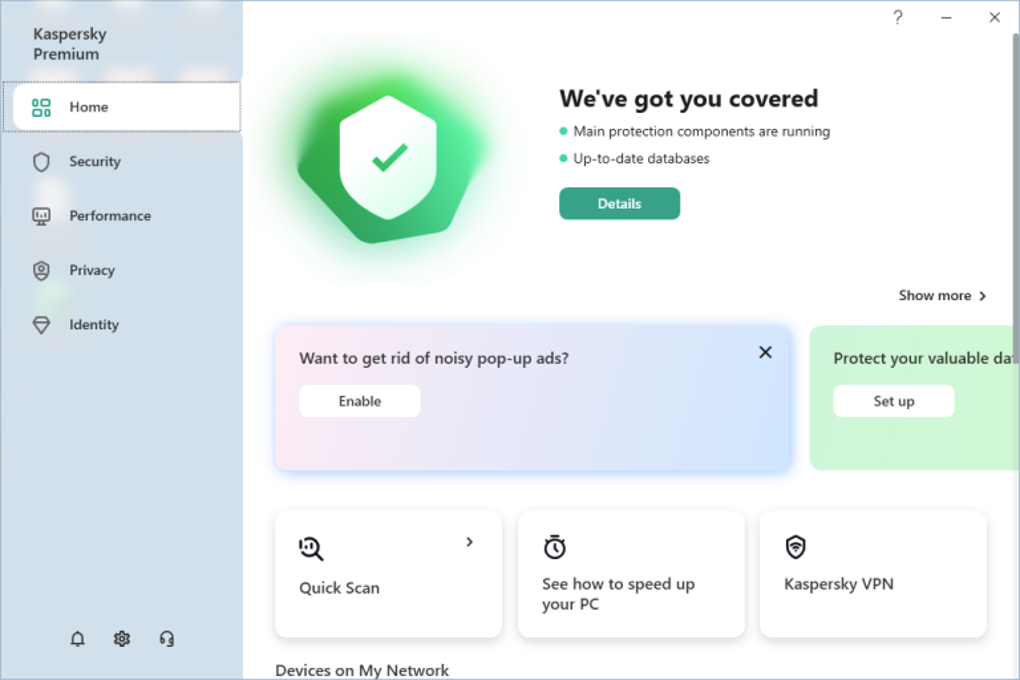
Once installed, the dashboard provides a clean, icon‑based overview of protection status, device health, and pending updates. Real‑time scanning runs automatically, but you can also launch a manual full system scan from the “Scan” tab. The firewall settings are accessible via a “Network” section where you can whitelist trusted applications or block unknown connections with a single click.
Password management lives under the “Passwords” tab, allowing you to import existing credentials or generate new, complex passwords on the fly. The smart‑home monitor appears in the “IoT” pane, listing all connected devices and highlighting any that trigger security alerts. Updates are delivered daily; the software checks for new virus definitions and feature patches at startup, and you receive a non‑intrusive notification when a critical update is ready.
Kaspersky Premium supports the most common platforms, ensuring you can protect a mixed environment of PCs, laptops, tablets, and smartphones from a single account. The multi‑device license (available with Plus and Premium plans) lets you extend coverage to up to five devices, making it ideal for families or small businesses that need consistent protection across varied hardware.
Pros and Cons
Pros
- Comprehensive, multilayered protection that covers malware, phishing, spyware, and IoT threats.
- Cross‑platform support with a single subscription for Windows, macOS, Android, and iOS.
- Integrated password manager with secure autofill and AES‑256 encryption.
- Device‑optimization tools (disk cleanup, battery saver, automatic backups) keep systems running smoothly.
- Two‑way firewall that intelligently blocks suspicious outbound traffic.
- Easy‑to‑use interface and clear dashboard for both beginners and advanced users.
Cons
- Higher price point compared with basic antivirus solutions, especially for the Premium tier.
- Full system scans can be resource‑intensive on older hardware.
- Some advanced features (e.g., multi‑device coverage, smart‑home monitor) are locked behind the Plus and Premium plans.
- Occasional false positives on newly released software that hasn’t been whitelisted yet.
FAQ
Is Kaspersky Premium safe to use on macOS?
Yes. Kaspersky Premium is fully compatible with macOS 10.15 and later. The macOS version includes the same real‑time protection, firewall, and password manager as the Windows edition, and it adheres to Apple’s security guidelines.
Can I protect my smart‑home devices with Kaspersky?
Absolutely. The smart‑home scanner monitors all devices connected to your Wi‑Fi network. If an unknown device attempts to join, you receive an instant push notification, allowing you to block or approve the connection.
How many devices can I cover with a single Premium subscription?
The Premium plan allows protection for up to five devices across Windows, macOS, Android, and iOS. You can mix and match device types as needed.
Will Kaspersky Premium slow down my computer?
Kaspersky is engineered to run with minimal impact on performance. Real‑time scanning operates in the background, and you can schedule full system scans during idle hours to avoid noticeable slowdowns.
Is there a money‑back guarantee?
Yes. Kaspersky offers a 30‑day money‑back guarantee for all subscription plans. If you’re not satisfied, you can request a full refund within the first 30 days of purchase.
After testing Kaspersky Premium on a Windows PC, a macOS laptop, and an Android tablet, I can confirm that the suite delivers on its promise of multilayered security without sacrificing usability. The password manager synced flawlessly across devices, and the smart‑home monitor caught an unauthorized connection attempt within minutes. While the premium pricing may deter budget‑conscious users, the comprehensive feature set—especially the two‑way firewall and proactive IoT alerts—justifies the cost for anyone serious about digital privacy.
Conclusion & Call to Action
Kaspersky Premium stands out in a crowded antivirus market by bundling traditional malware protection with modern privacy tools, device‑optimization utilities, and smart‑home monitoring—all under a single, easy‑to‑manage interface. Its layered defense strategy, which includes real‑time scanning, a two‑way firewall, and proactive spyware alerts, provides a security posture that rivals enterprise solutions but is tailored for home users and small teams. The inclusion of a built‑in password manager and automatic backup scheduler further consolidates essential security tasks into one application, reducing the need for multiple third‑party tools. While the price point is higher than basic free options, the added value—especially for Plus and Premium tier subscribers—makes it a worthwhile investment for those who want peace of mind across all their devices. If you’re ready to secure your online identity, protect your smart‑home ecosystem, and keep your devices running at peak performance, click the button below to download Kaspersky Premium and start your 30‑day risk‑free trial today.